Expert Software Installation in Plainedge, NY: On-Site and Remote Service
Same-Day Software Installation Services by DVE Tech Services
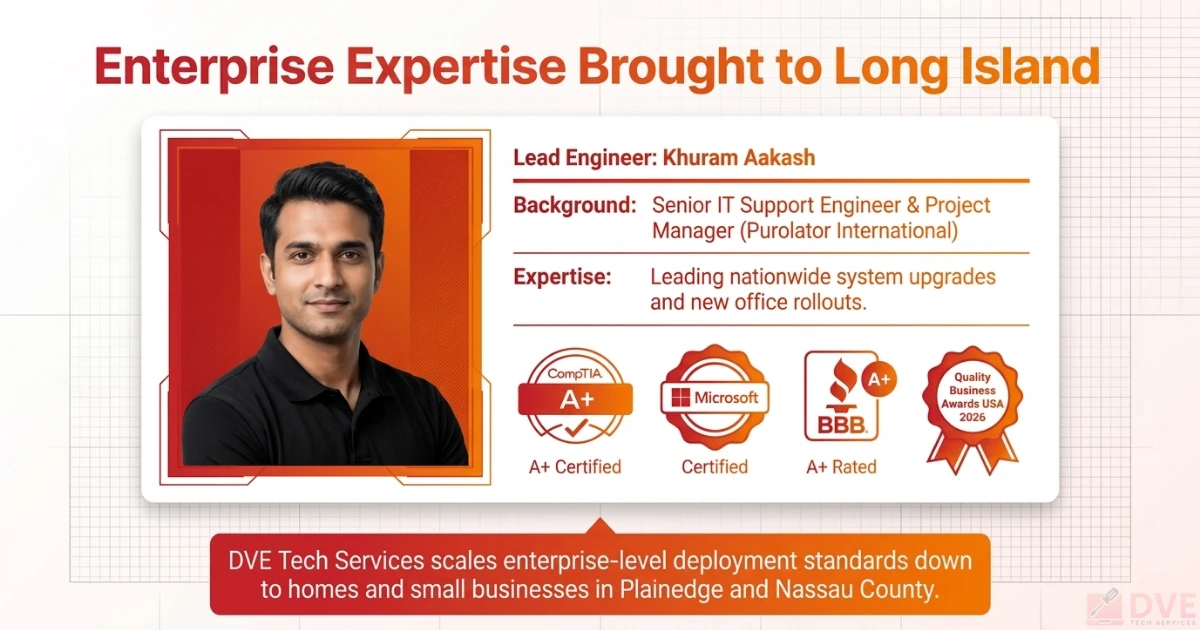
Written by Khuram Aakash, Founder DVE Tech Services | CompTIA A+ Certified | BBB A+ Rated | April 2026
Tech issues slow work and study. Your new laptop has no apps. Your office PC needs key tools. Your home PC needs antivirus and Microsoft 365. These jobs take time. They can go wrong fast.
In 2026, software setup is more than clicking a wizard. Keys fail. Apps clash. Drivers break. Hidden tasks slow the whole PC. Most homes and small firms in Plainedge and across Long Island do not have time to fix this on their own.
If you are searching for install software help near Plainedge, DVE Tech Services comes to you. We install software on-site or remotely. We set it up and test it. We do not leave until it works.
Back-to-school season brings a surge in requests. Families near Plainedge Road and the Plainedge Union Free School District need to install software before the school year starts. We are ready. We install software fast and right.
Why Installing Software Is Harder Than It Looks
Most users think installing software takes five minutes. In real life, it often takes much longer. Mistakes made at install can cause issues that last for months.
Modern Software Has More Steps
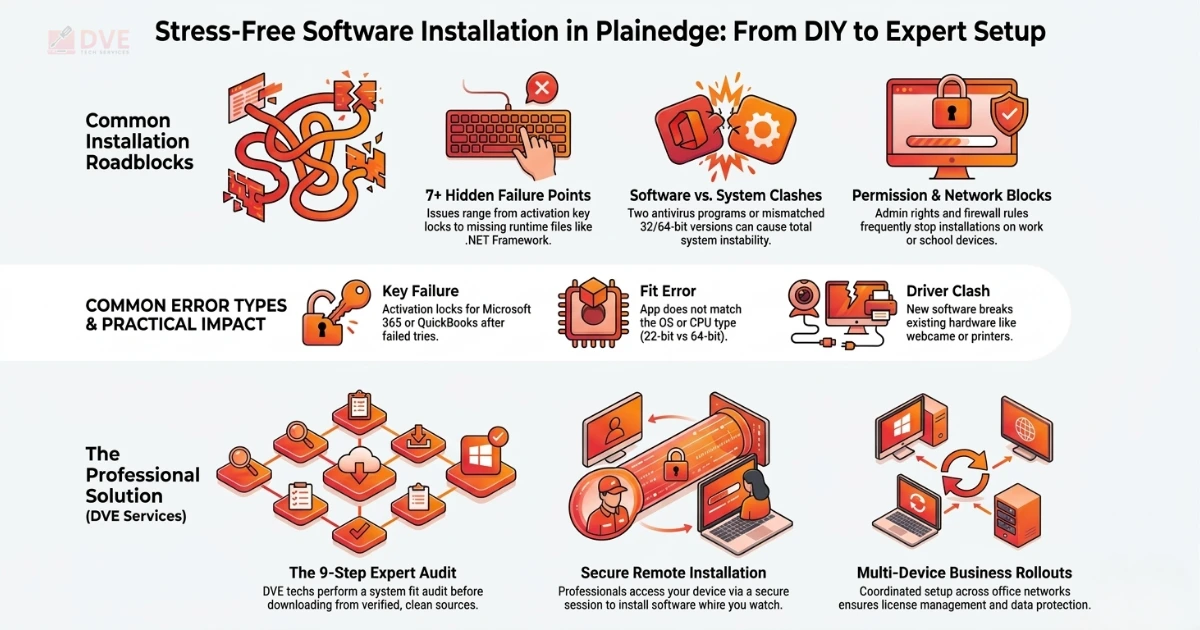
Software in 2026 comes with cloud account links and multi-device licenses. One app may need a specific .NET Framework version. Another needs admin rights to write to system folders. Skip any step and the app may crash on launch. It may also fail to activate its license key.
Apps Can Clash With Each Other
Two antivirus apps on one PC will fight each other. They drag system speed down. Old software can block a new install. Old drivers stop key apps from loading. These clashes are hard to find without expert tools.
Networks Make It More Complex
For small firms in Plainedge, Bethpage, and Nassau County, the job scales fast. You need to install software across computers on a large network with the same setup on every device. One wrong setting can break file sync, shared printers, or cloud tools across the whole office.
Our small business IT support service is built for these multi-device rollouts across Long Island.
Common Causes of Software Installation Problems
These are the top issues our Plainedge and Long Island clients bring to us. Knowing the cause is the first step to solving it fast.
Practical Step-by-Step Software Installation Guide
Want to try installing software yourself? Follow these steps in order. This software installation guide is the exact process our techs use on every home and firm call across Plainedge and Long Island.
-
Check System Fit. Confirm your device meets the minimum specs. Check the OS version, free RAM, and disk space. Most download pages list the needs clearly. A 32-bit OS cannot run 64-bit apps. Note that Windows 10 Home and Windows 10 Pro handle domain joins differently.
-
Download Only From Trusted Sources. Get the file from the official vendor site. Use the Microsoft Store or Apple App Store. Third-party sites often bundle bad files with the setup file.
-
Turn Off Antivirus Briefly If Blocked. If the install is blocked, briefly turn off your antivirus. Run the setup file. Turn protection back on right away. Only do this for software from known, trusted sources. If unsure, call a pro first.
-
Run as Admin. Right-click the setup file and choose Run as Admin. Many installs fail because a normal user account lacks the rights to write files to key system folders.
-
Free Up Disk Space First. A full disk will stop an install mid-way. Use Windows Disk Cleanup or Mac Storage to free up space. Do this before you begin. Most apps need at least 2 to 4 GB of clear space.
-
Remove Clashing Tools First. If you are setting up a new antivirus or VPN, fully remove the old one before you start. Two security tools cause deep system clashes that are very hard to fix without a full reset.
-
Test All Core Functions After Setup. Once the software installed and shows on screen, open it and test every core feature. For firm apps, test print, save, and export first. Test network sync too. Software installation testing after setup catches issues early. Then roll it out to other users.
When You Should Call a Expert
Some software installation jobs are beyond a quick DIY fix. Here is when to call DVE Tech Services.
Your License Key Will Not Activate
Microsoft 365, Adobe, QuickBooks, and AutoCAD can all lock after too many failed tries. A pro fixes the license issue. They do it without voiding the plan.
Microsoft’s official Microsoft 365 support tools outline the re-setup process, but fixing it under an account lock needs hands-on skill.
The App Crashes on Launch After Install
A crash on first launch usually means a missing file, a 32-bit vs 64-bit mismatch, or a broken setup package. All three need a full remove of the software, a system check, and a clean install. We install software from a trusted source every time.
You Need Software Installed Across Multiple Devices
To install software across computers on a large network, you need the same setup on every device. You also need shared license management. You need the right network rights. Going device by device without a plan leads to version mismatches and sync fails. Our software installation services near North Wantagh and across Nassau County handles these multi-device rollouts from start to finish. We install software on every device before we sign off.
You Need Remote Software Installation
If you cannot wait for an on-site visit, DVE Tech Services offers secure remote software installation. Our tech accesses your device in a fully secure session. They install and set up the software while you watch in real time. No travel needed. Most remote software installation jobs are done the same day.
You can also ask us to remote install software for a family member or colleague in another area. Just call and we set it up.
Your Device Was Reset or Recovered From a Virus
After a factory reset or virus removal, a device needs a full rebuild. The order matters. Start with the OS. Then add drivers. Then key runtime files. Then security tools. Then apps. We install software in the right order every time. Doing this out of order causes driver and fit clashes.
Our computer repair service in Levittown and
our affordable computer repair in Plainedge can handle the full rebuild and software setup in one visit.
How DVE Tech Services Handles Every Software Installation Job
DVE Tech Services follows a clear, set process on every job. This applies to one app on a home PC or a ten-machine office rollout in Plainedge or across Nassau County.
All Software We Install
Not sure what software you need? We check your device and workflow first. Then we advise and install the right tools. Here is the full list of software to install that our techs handle on every visit.
Microsoft 365 is one of the most common installs we handle. See Microsoft’s official 365 plans and pricing to choose the right tier before we visit.
For security software, Malwarebytes is a trusted tool that works alongside most antivirus apps without conflict.
For anything not listed, call (516) 273-0413 or browse our full tech services across Long Island to confirm we support your app.
For offices across Plainedge, Bethpage, Levittown, and Nassau County, DVE Tech Services manages the full process of remote software installation and on-site rollouts. We install software across computers on a large network.
Many small firm owners along Hempstead Turnpike have turned to us when their IT resource ran out. The same goes for firms near Bethpage State Park. Their providers often failed to complete a rollout. Our seamless IT help for Long Island firms covers every stage of business network software rollout.
What Our Business Network Rollout Covers
-
Network audit: We check existing systems, OS versions, and free disk space on every device before we start.
-
License setup: We set up shared and per-user licenses right to avoid setup errors mid-deploy.
-
Sequential deploy: We install to each device in the correct order to avoid clashes with shared tools.
-
Data protection: We confirm all user data is backed up. We do this before any install.
See our data recovery service in Long Island if you have existing data concerns.
-
Full test on every device: We test every machine on its own before signing off.
-
Documentation: We give you a simple record of what was installed on each device and the license keys used.
We install software across all devices before we sign off. If your firm also needs ongoing IT help, our small business IT support plans for Long Island provide regular maintenance and priority same-day response.
Areas We Serve on Long Island
DVE Tech Services provides software installation services across Plainedge and all nearby Long Island communities. We install software on-site at your home, office, or firm. We are based at 98 Wolcott Rd, Levittown, NY 11756 and travel directly to your location.
Not sure if we cover your ZIP code? Call (516) 273-0413 and we will confirm. You can also check our coverage at dvetechservices.us.
For clients in Nassau County, the Nassau County Office of Consumer Affairs provides tools for checking local service providers and your consumer rights when hiring tech pros.
Related Tech Services from DVE Tech Services
Software setup is one part of a full tech plan. When you need to install software, we are your first call. We install software fast and right. DVE Tech Services handles all of the following, most in a single on-site visit.
View the complete list at dvetechservices.us/services. All services are done on-site at your home or firm across Long Island.
Frequently Asked Questions About Software Installation
Can you install software remotely without visiting my home?
Yes. DVE Tech Services offers full remote software installation via a secure, secure session. Our tech installs and sets up the software while you watch in real time. No travel needed. We can also remote install software for devices at other locations, like family members in other areas. Most remote software installation jobs are done the same day.
What types of software to install do you handle?
We handle all types: OS builds (Windows 10, Windows 11, macOS), Microsoft 365, antivirus and security tools, firm apps (QuickBooks, Sage, Adobe), dev tools, call tools, and all hardware drivers. If you are not sure what you need, we check the device first and advise. See our full software installation services page for the complete list.
How long does a software installation take?
A single-app install takes 30 to 60 minutes on-site. A full system rebuild takes 2 to 4 hours. A remote software installation for a single app is usually done in under 30 minutes.
Can you install software across computers on a business network?
Yes. We handle multi-PC rollouts for offices across Plainedge, Levittown, and all of Nassau County. We manage the licensing and deploy order. We run full function testing on every PC. We follow our software installation guidelines before we sign off.
What if the software is already installed but not working?
We remove the broken install fully, including all leftover registry entries and residual files that a normal uninstall leaves behind. We then do a clean install from a trusted source and test every core function before we leave.
Do you handle software installation for businesses in Plainedge?
Yes. We serve firms across Plainedge, Bethpage, Levittown, and all nearby Long Island areas. We handle single-machine setups and full multi-PC network rollouts. We also offer ongoing IT help for small firms.
Contact us at dvetechservices.us/contact to discuss your needs.
Book Your Software Installation Service in Plainedge Today
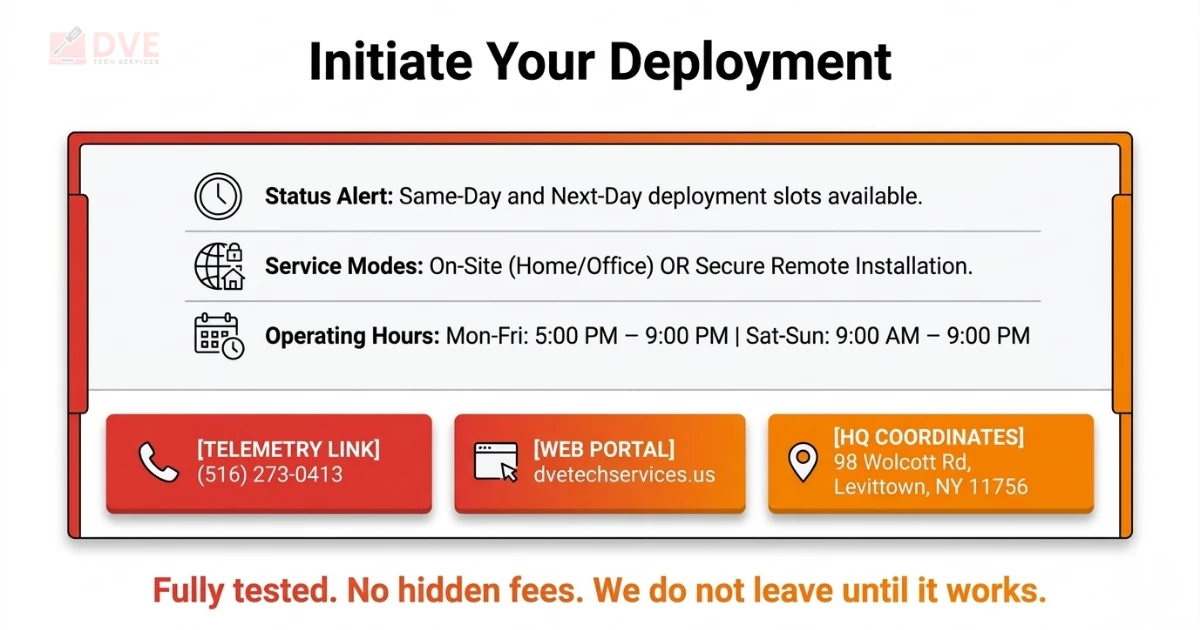
Do not let a software issue stop your work. Call us and we will install software at your home, office, or remotely. DVE Tech Services provides same-day and next-day software installation services across Plainedge and all of Long Island. We install software correctly, and we test every job before we leave.
-
Get a free quote for software installation services with no hidden fees
-
Book a same-day visit to install software on-site in Plainedge or any nearby Nassau County area
-
Request secure remote software installation for fast, no-travel setup
-
Ask about installing software across computers on a large network for your firm
-
Get expert advice on the best software to install for your device and workflow
📍 98 Wolcott Rd, Levittown, NY 11756
Mon-Fri 5-9 PM | Sat-Sun 9 AM-9 PM | Same-day software installation services on hand